Description
This project was done as apart of two courses at the Tehnical University of Denmark (DTU): Embedded C/C++ Smart Applications and Mobile Application Development with Swift. The main idea behind the system was to make an embedded system representing some sort of lock, which one would be able to unlock with their smart phone - in this case constrained to Apple phones.
System Architecture
There were three main components the needed to be implemented in order for this to work:
- The embedded hardware and software
- The SwiftUI Application
- A Web Application acting as an 'authentication broker'
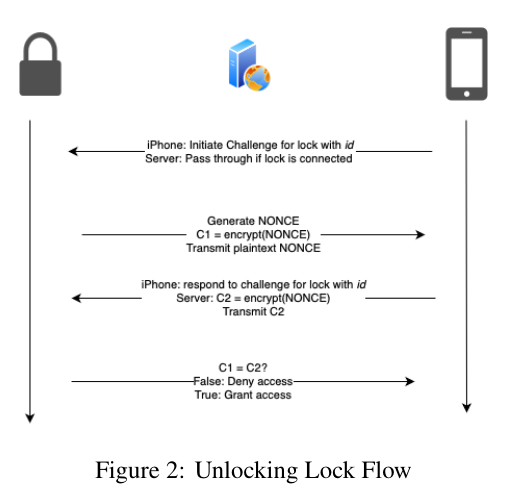
It should be mentioned here, that having a man-in-the-middle to be a broker between two parties trying to authenticate each other might not be the most appropriate choice, but for practical reasons, we decided to add this element to our overall system. The authentication is based on a challenge-response scenario, where the phone will initiate a challenge, after which the lock will transmit a NONCE. The phone must now prove its identity by encrypting this NONCE in AES-ECB mode - in reality, it was the server doing this. For a truly secure system it should have been the phone doing this, but for simulation purposes, and to prove that we could encrypt on the MCU (which was the main part of the project), we decided not to waste time implementing cryptographic procedures on the phone and just decided to 'simulate' it on the server. Anyway, in case the phone (simulated by the server) share the same symmetrical key with the MCU, AES-ECB will yield the same ciphertext.
Embedded Lock
As mentioned, the main part of the project was to implement the actual lock embedded system. We used a 16-bit MCU from the PIC24 family called PIC24FJ128GA202, which interfaced with ESP8266 for WiFi connectivity. The main 'meat' in the project was to actually connect the hardware (it ended up looking like this, I know it's ugly :))
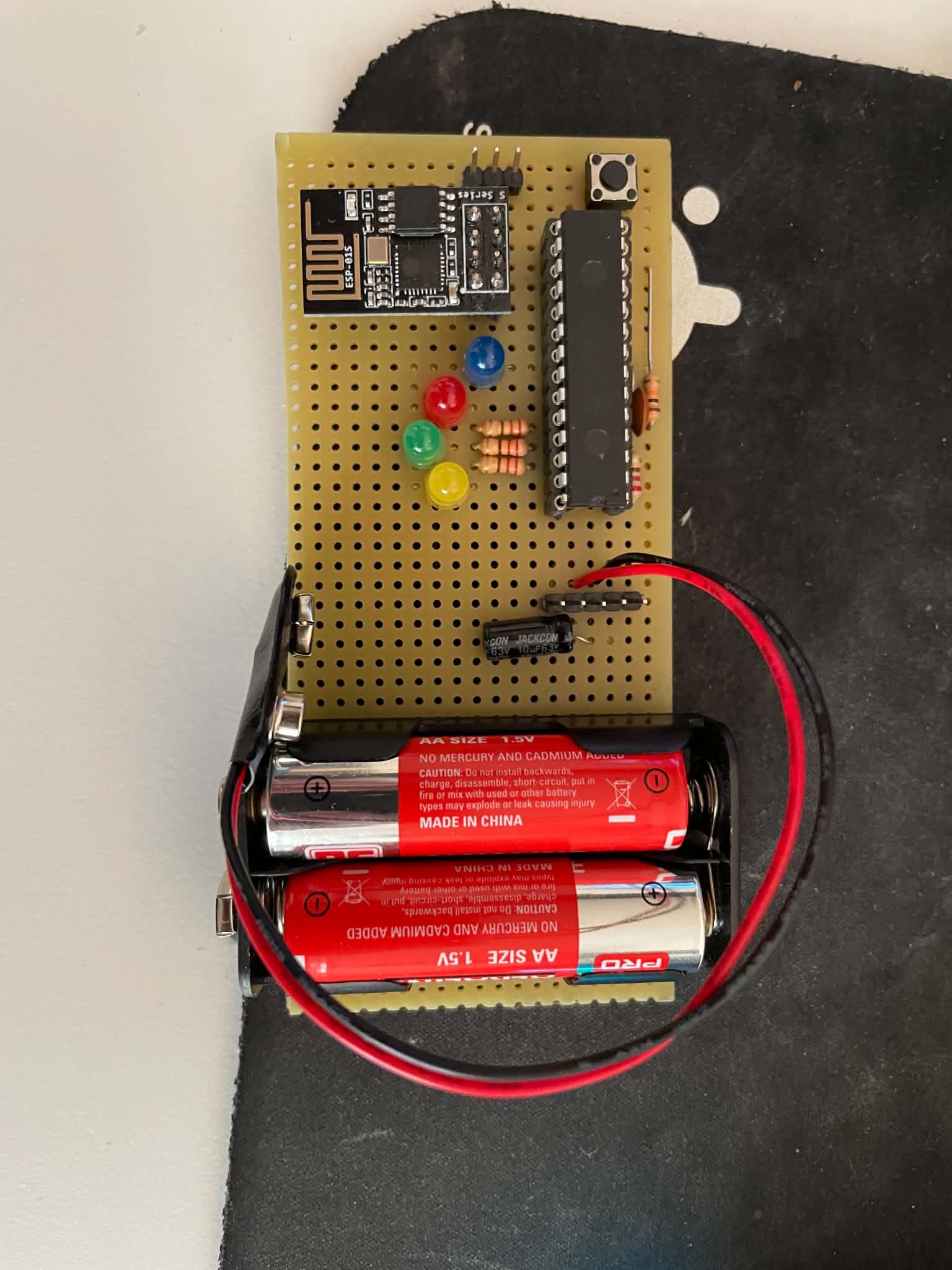 and utilize the cryptographic engine on the platform:
For an example, to init in ECB mode:
and utilize the cryptographic engine on the platform:
For an example, to init in ECB mode:
void initCryptoEngine_AES_ECB() {
    CRYCONLbits.CRYON = 1;        // Enable crypto engine
    CRYCONHbits.KEYSRC = 0b0000;   // Select the key source (CRYKEY)
    CRYCONLbits.CPHRSEL = 0b1;     // AES Engine
    CRYCONLbits.CPHRMOD = 0b000;   // ECB Mode
    CRYCONHbits.KEYMOD = 0b00;     // Set the key strength (128-bit key)
}
To encrypt:
void encryptECB(unsigned char plaintext[16]) {
    memcpy((void*)&CRYKEY0, ECB_key, 16);    // Load the key into CRYKEY
    CRYCONLbits.OPMOD = 0b0000;              // Encryption Mode

    if (CRYSTATbits.KEYFAIL == 1) {
        printf("\r\nWrong encryption config..\r\n");
    } else {
        printf("\r\nEncryption mode configured\r\n");
    }

    // Load the plaintext block into CRYTXTA (16 bytes for AES)
    memcpy((void*)&CRYTXTA0, plaintext, 16);
    CRYCONLbits.CRYGO = 1;

    // Wait for encryption to be finished
    while (CRYCONLbits.CRYGO == 1) {}

    printf("Cipher Text:\r\n");
    printCRYTXTB();
}
Mobile Application
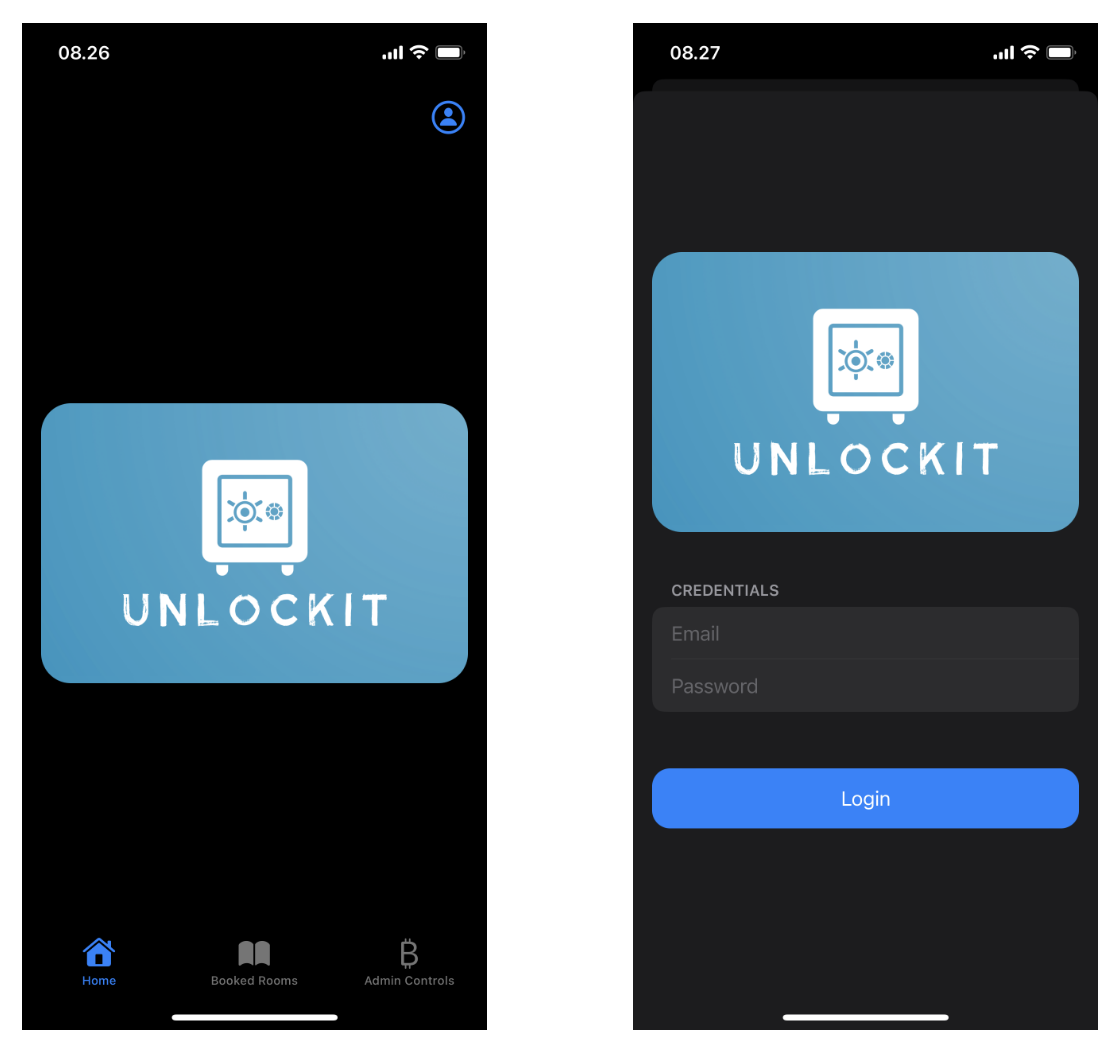
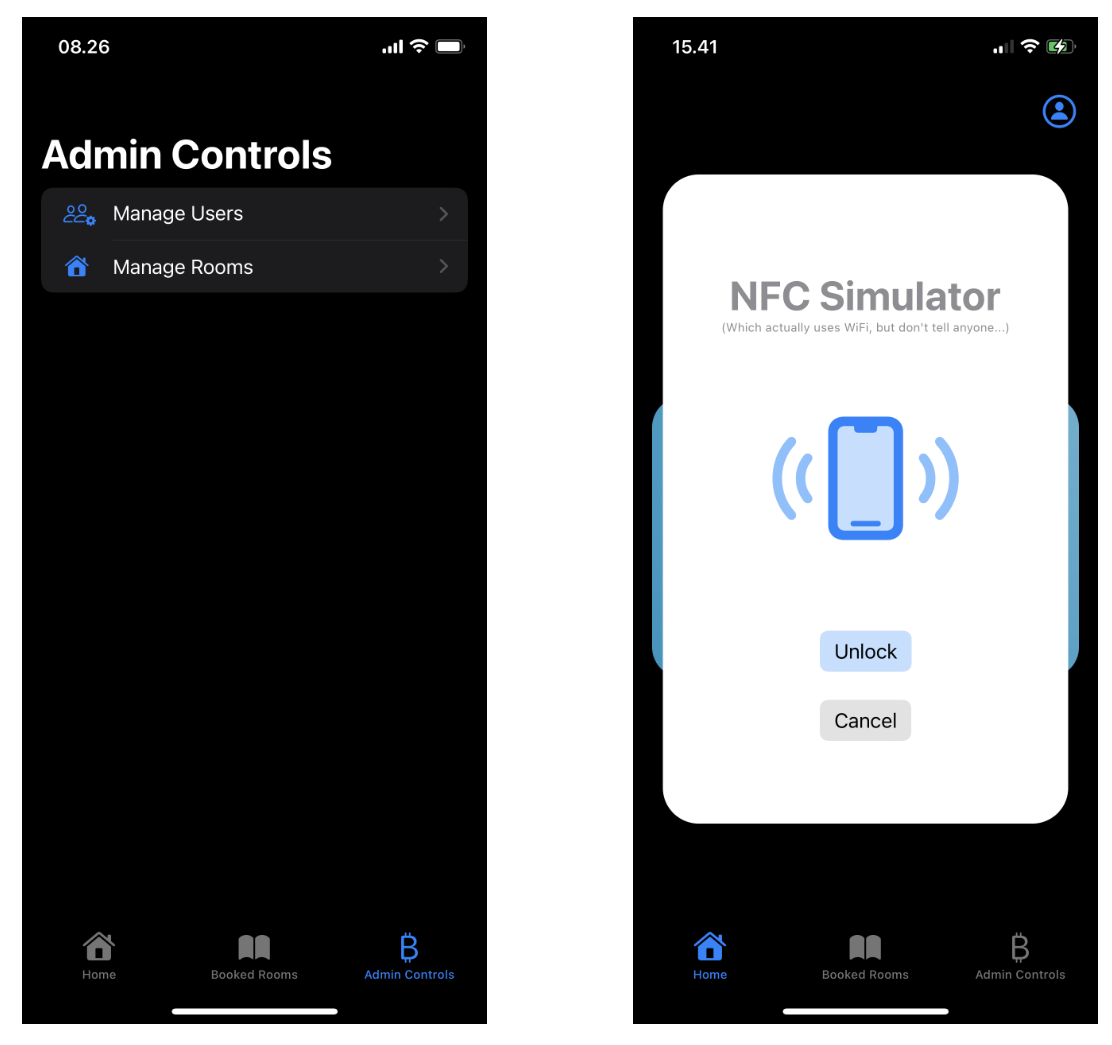
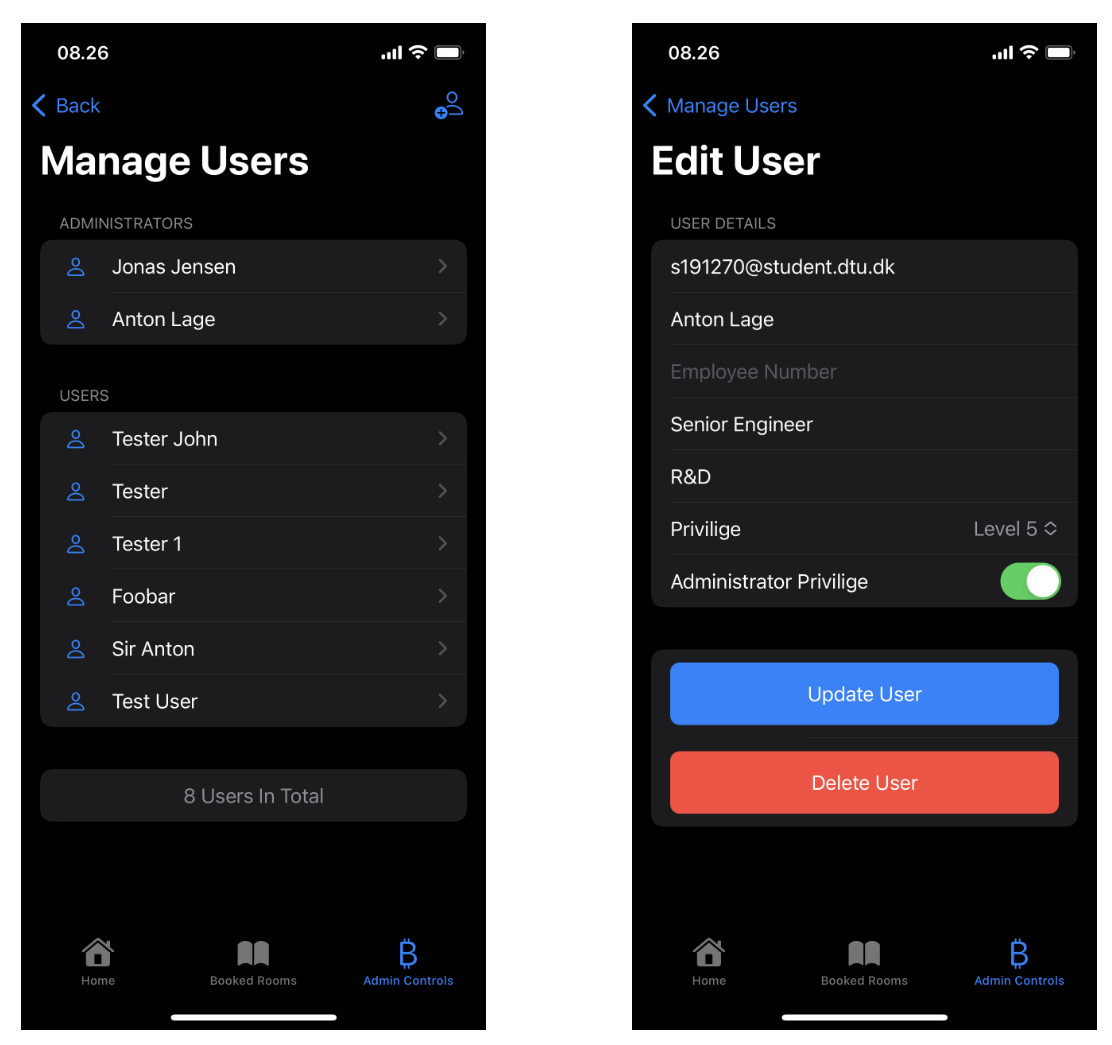
There is not too much to say about the SwiftUI Application, as it is illegal to think making such functionality is fun :) It did however end up looking like this.